
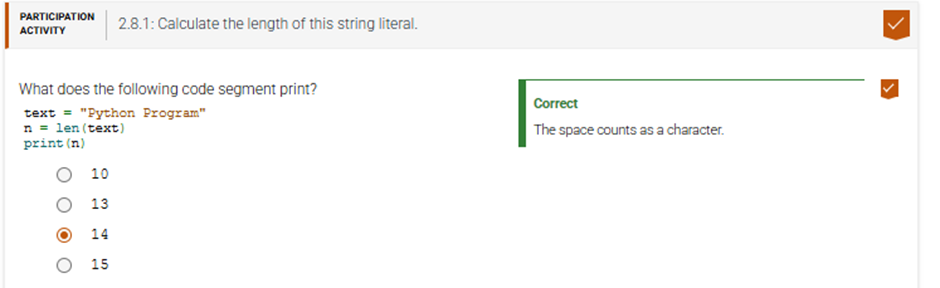
2.8.1: Calculate the length of this string literal.
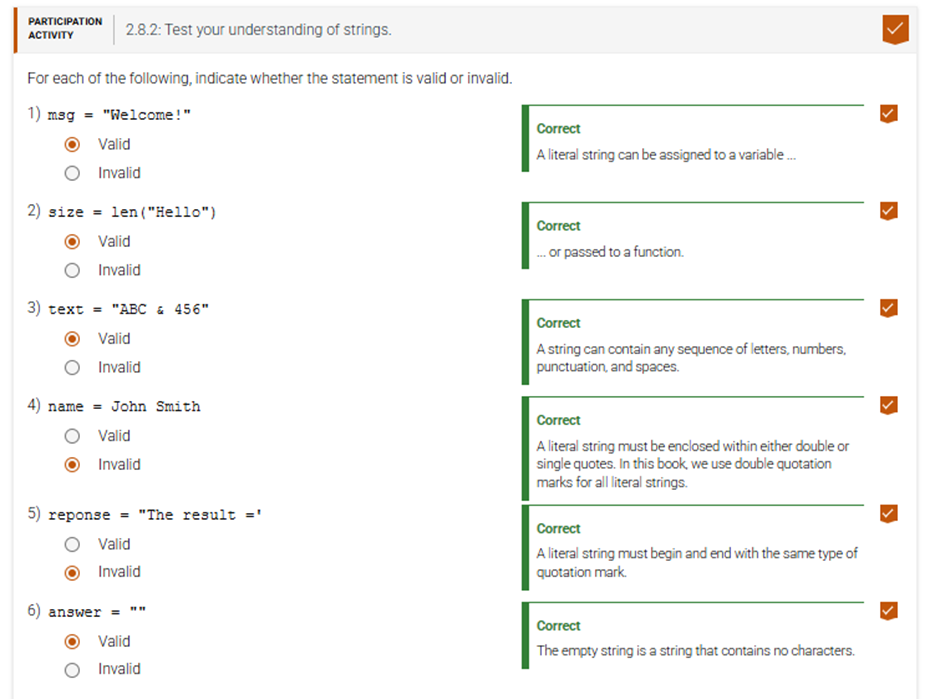
2.8.2: Test your understanding of strings.
2.8.3: Test your understanding of concatenation.
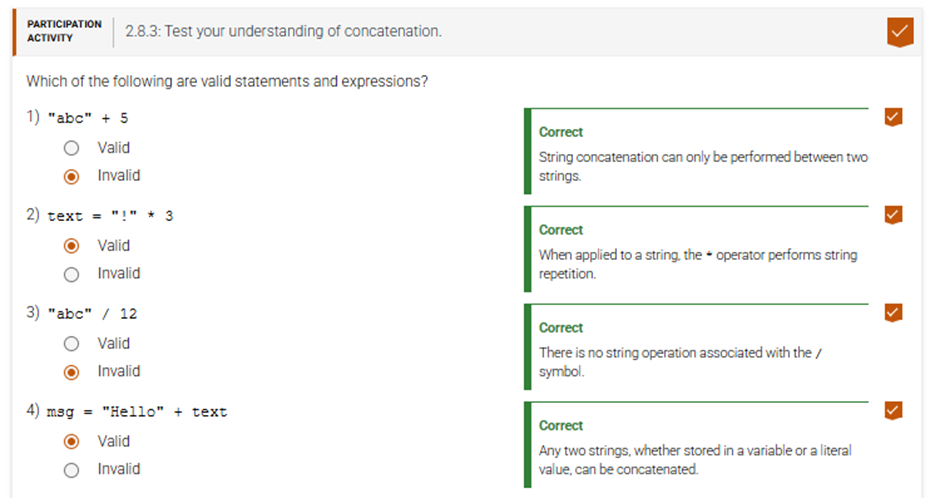
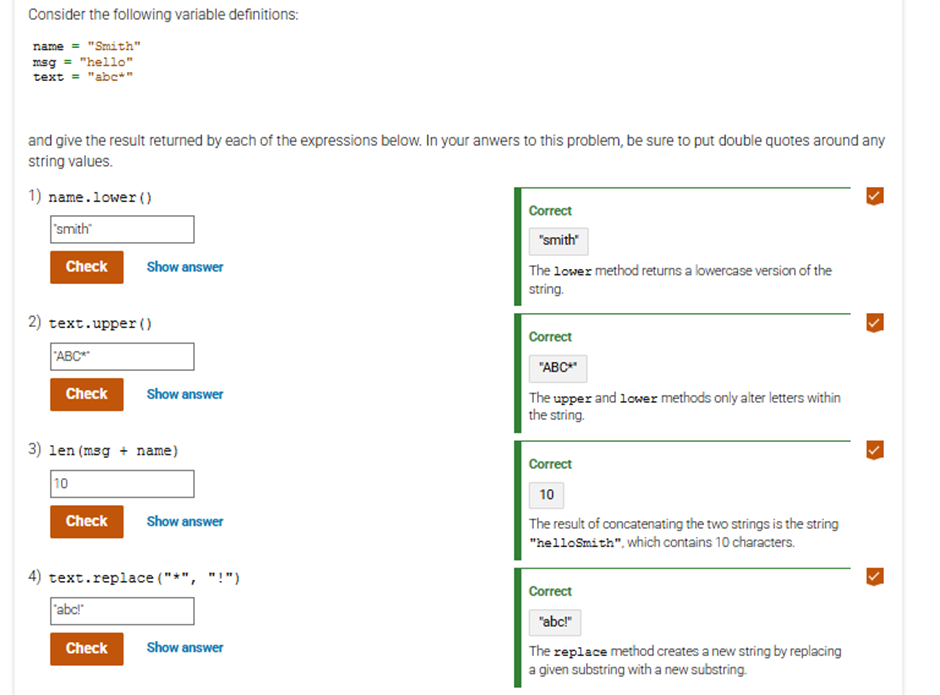
2.8.4: Determine the result from each of the following string operations.

2.8.5: What is printed by the following code segment?
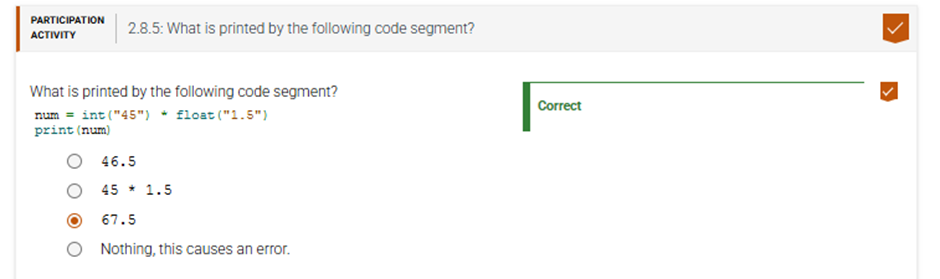
2.8.6: Test your understanding of converting between numbers and strings.

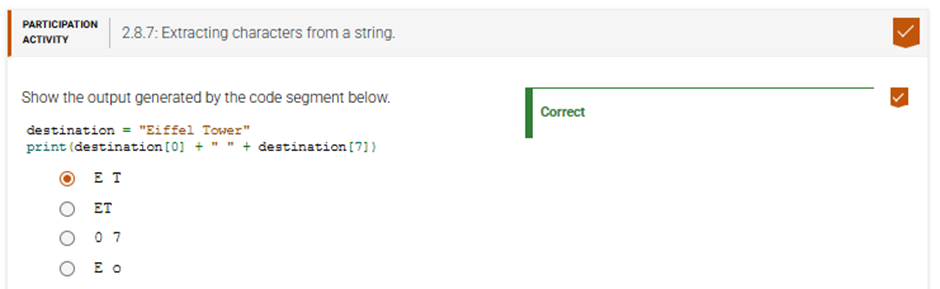
2.8.7: Extracting characters from a string.
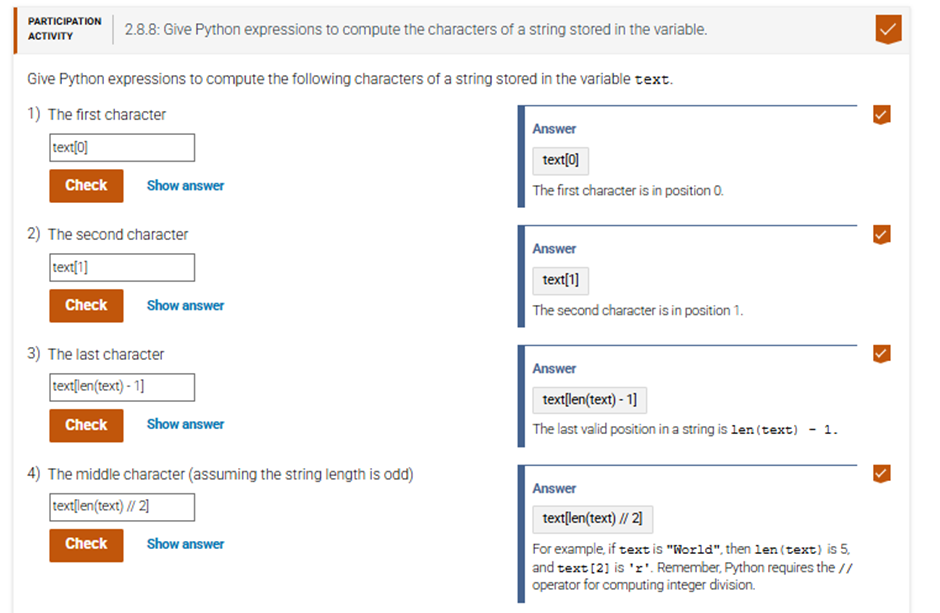
2.8.8: Give Python expressions to compute the characters of a string stored in the variable.
2.8.9: Determine which method call will return the correct string.

2.8.10: Test your understanding of string methods.
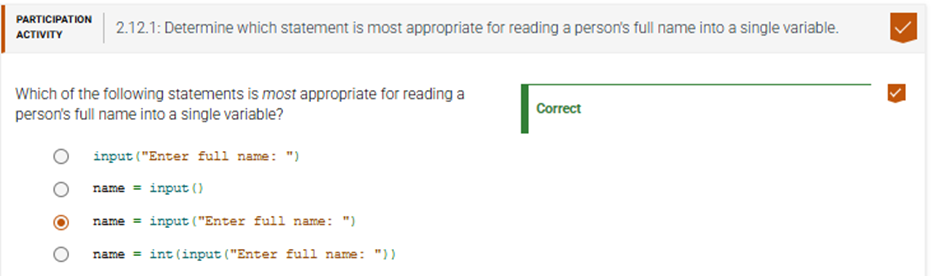
2.12.1: Determine which statement is most appropriate for reading a person’s full name into a single variable.
2.12.1: Write a program that reads input and produces output.
Write a program that reads in the first and last name of a person, using the prompts provided in the example. Then, the program should print the last name, followed by a comma, a space, and the first name. Note the space following the colon in each of the input prompts.
For example, with an input of Harry for the first name and Morgan for the last name:Please enter your first name: Harry
Please enter your last name: Morgan
Morgan, Harry
Empty print statements are included for output formatting.
# Read in the first name
# Your code goes here
first = input(“Please enter your first name: “)
print()
# Read in the last name
# Your code goes here
last = input(“Please enter your last name: “)
print()
# Print the last name, a comma, a space, and the first name
print(f”{last}, {first}”)
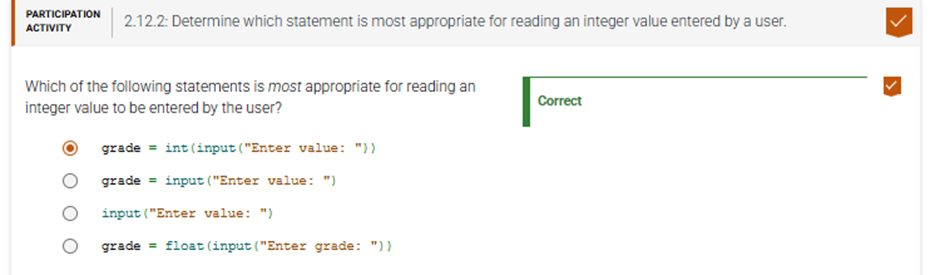
2.12.2: Determine which statement is most appropriate for reading an integer value entered by a user.
2.12.3: Trace through the statements with the inputs entered in the terminal.

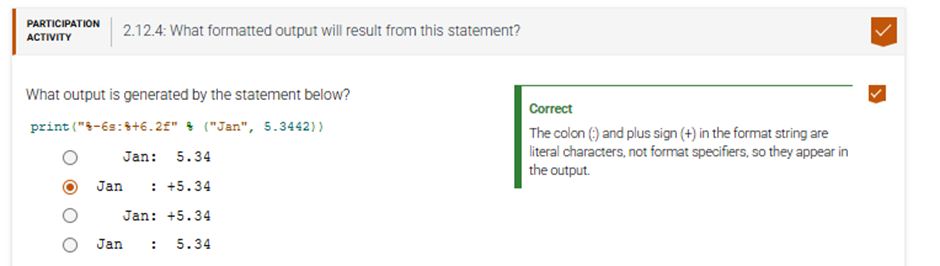
2.12.4: What formatted output will result from this statement?
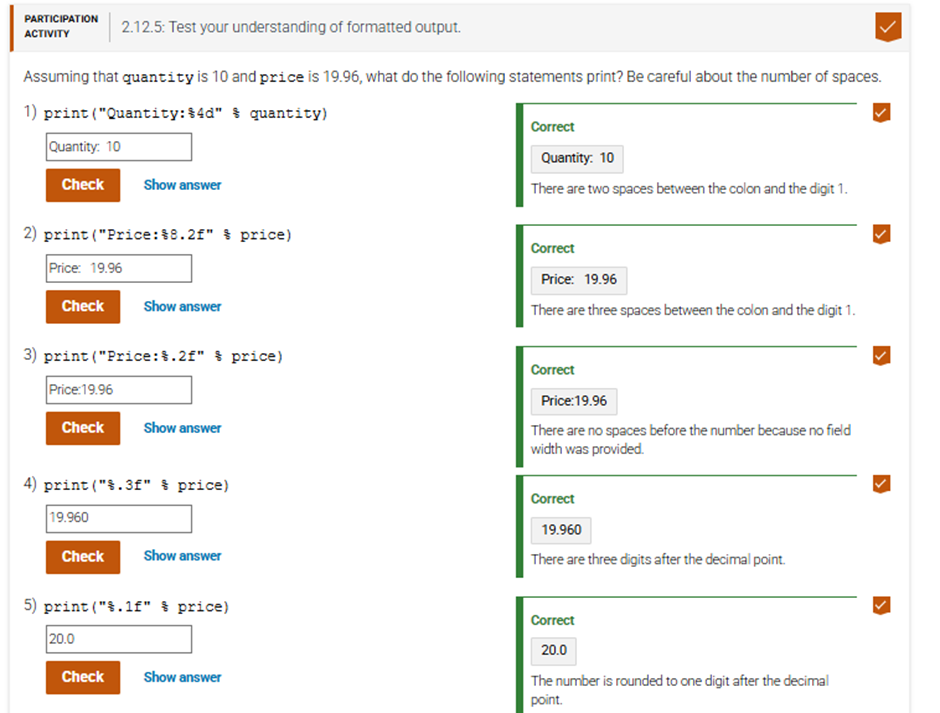
2.12.5: Test your understanding of formatted output.
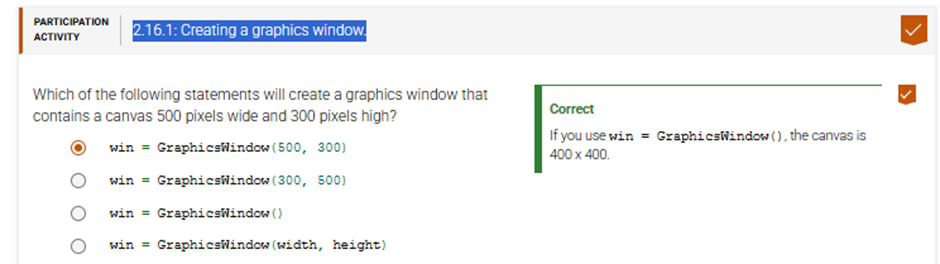
2.16.1: Creating a graphics window.
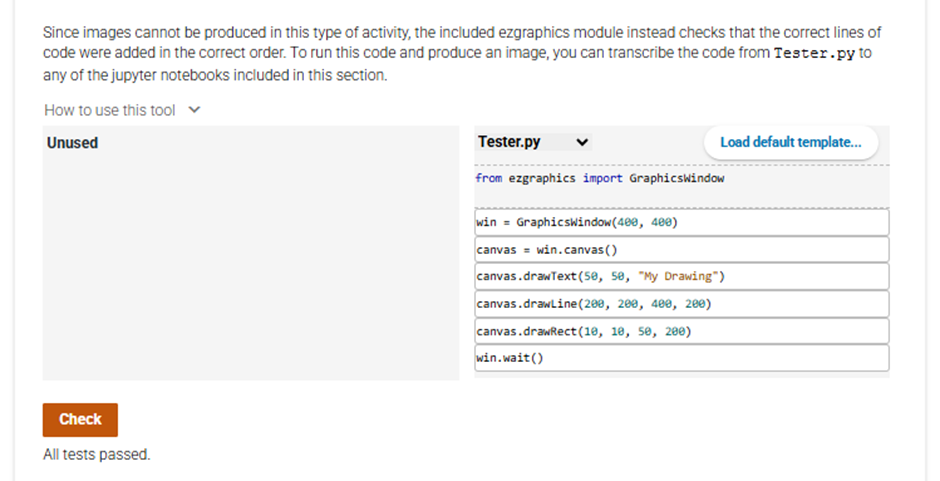
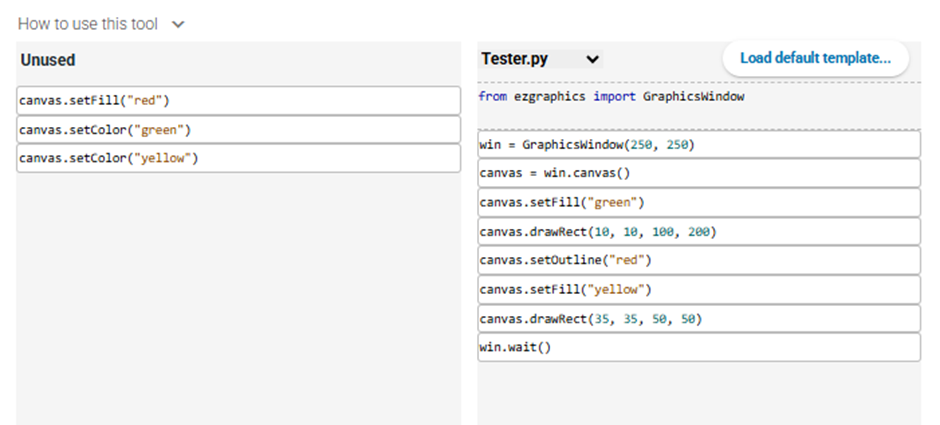
2.16.2: Arrange the code to produce an ugly drawing.
Rearrange the following lines of code to produce a program that creates a graphics window containing the following simple drawing:
2.16.3: Drawing a bar with a given width and height.

2.16.1: Arrange the code to produce two touching rectangles.

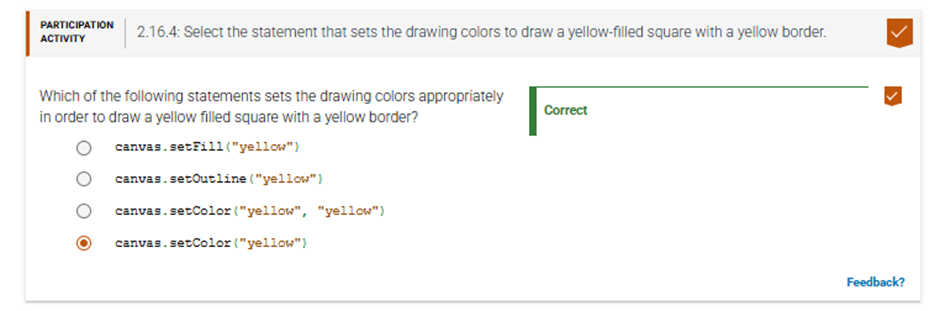
2.16.4: Select the statement that sets the drawing colors to draw a yellow-filled square with a yellow border.
2.16.5: Create a graphics window containing color-filled shapes as assigned.
Rearrange the following lines of code to produce a program that creates a graphics window containing a green filled rectangle with a black outline and a yellow filled square with a red outline. The square should be drawn on top of the rectangle.

Some statements may not be used in the solution.
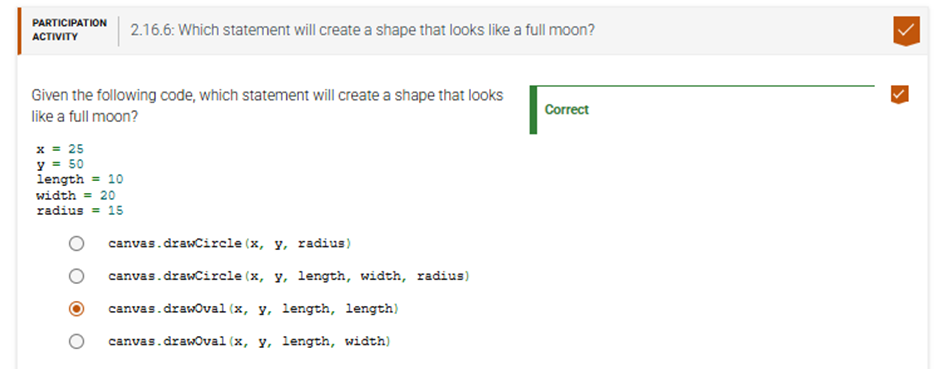
2.16.6: Which statement will create a shape that looks like a full moon?
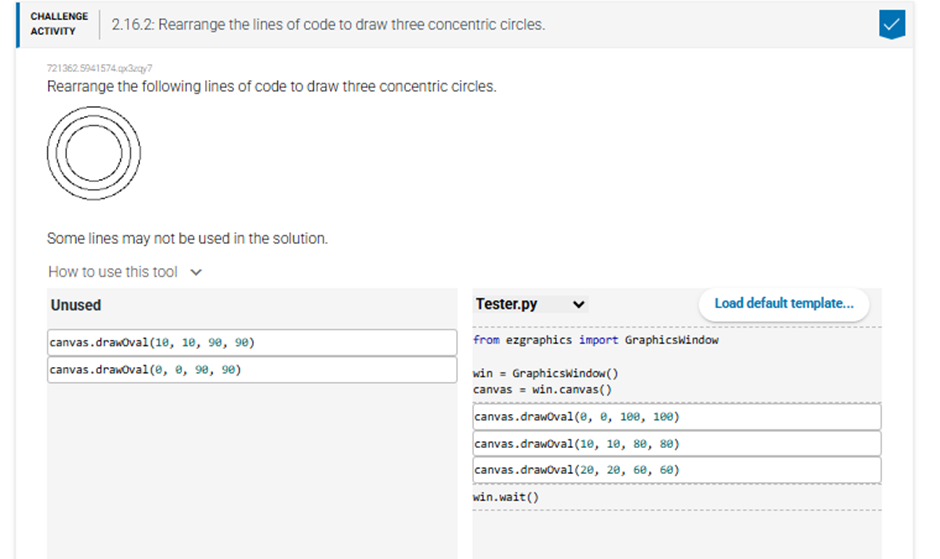
2.16.2: Rearrange the lines of code to draw three concentric circles.